
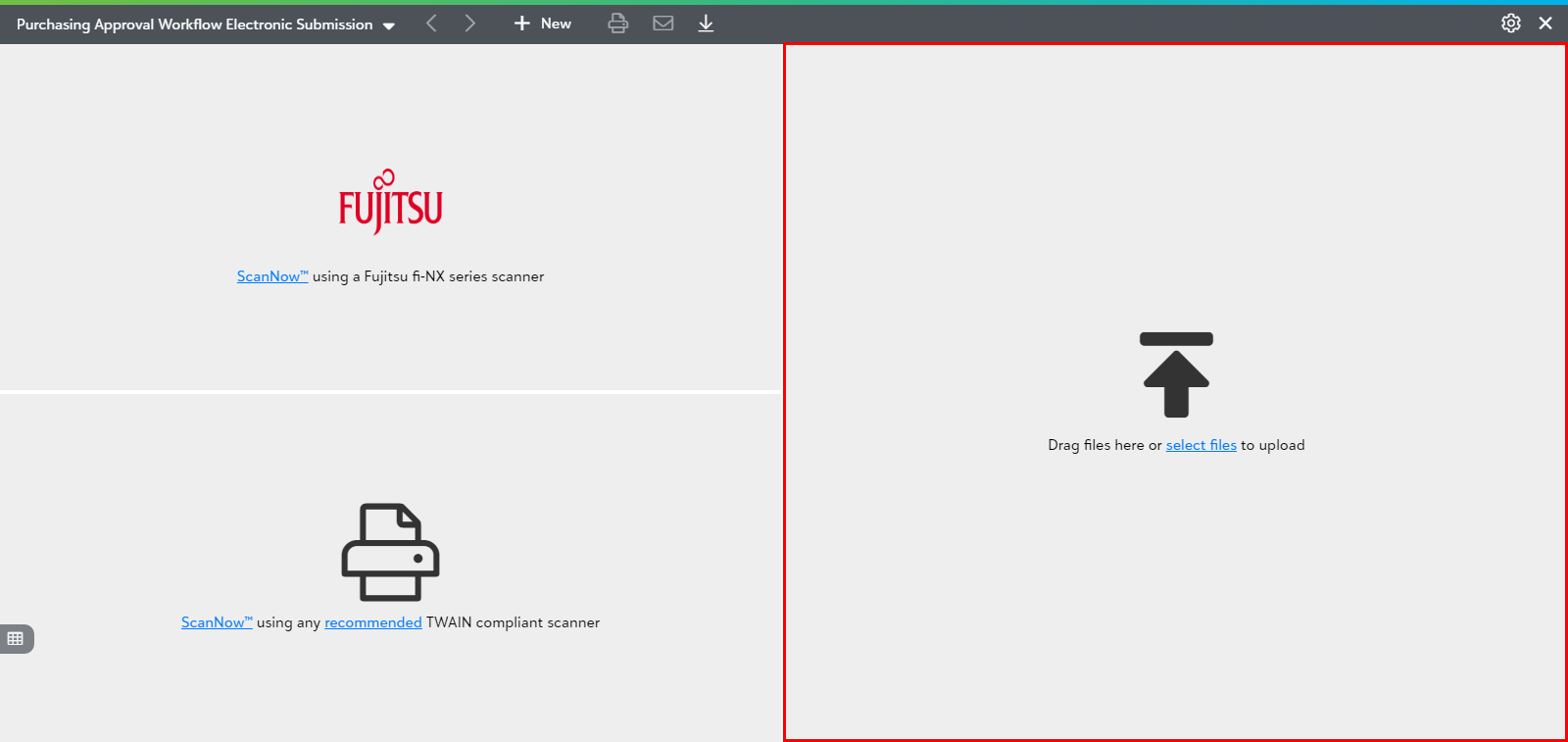
Drag files here or select files to upload
Watch the video to know how to acquire a Workflow document by using "drag files here or select files to upload" from file explorer.
PaperSave provides you the following two options to acquire by uploading electronic documents:
- Drag one or more documents from your file explorer to drag files tile in the file capture options panel.
- Click on "select files" (from within the Drag files tile) to select one or more documents through your file explorer as shown below.
Note: Once you acquire the item, you can validate and submit the unsubmitted document to the Workflow. Click here to learn in detail about validating and submitting the documents.